
Category: Uncategorized
-
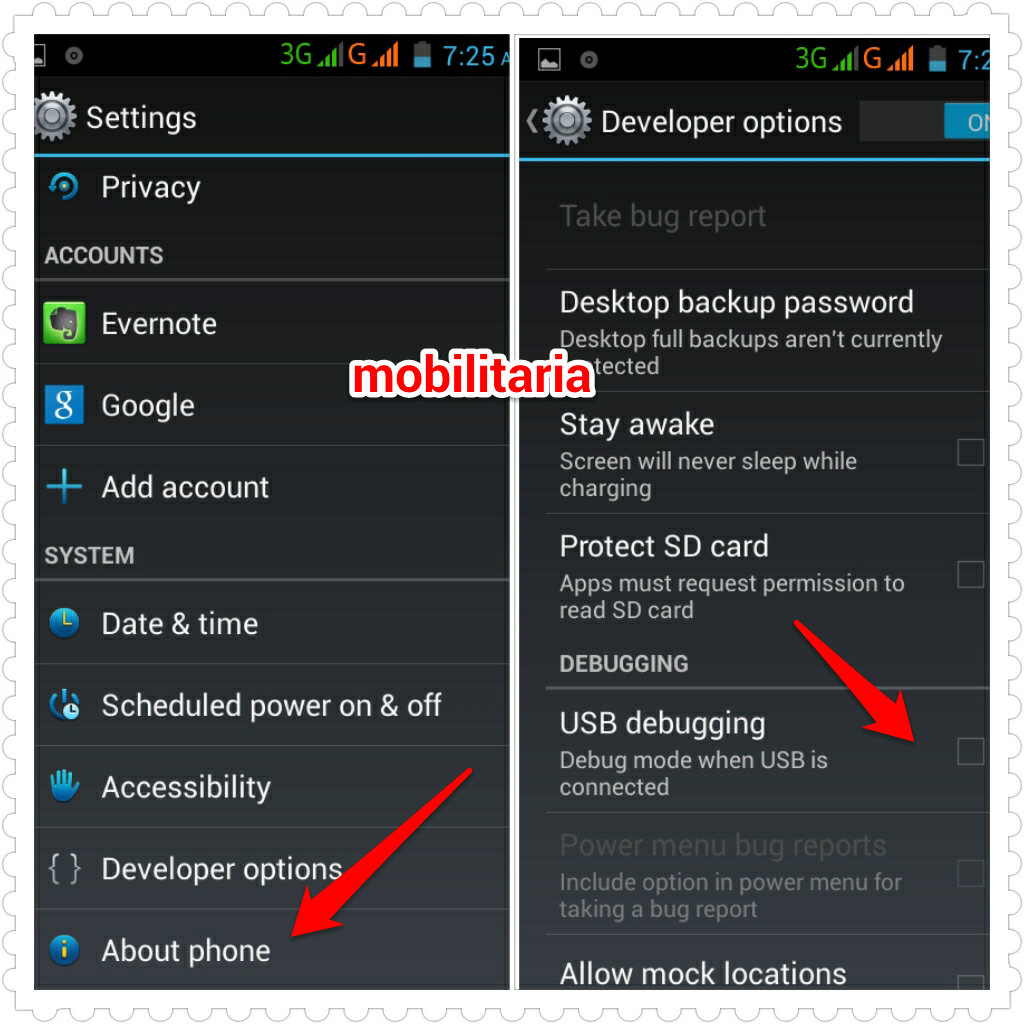
How To Turn On USB debugging on Tecno M7
Android USB debugging mode simply facilitates a connection between an Android device and a computer. You must enable the feature on your Android device before you can do anything on your phone when connected to a PC. While the feature is available by default on some devices, it is hidden by default in some devices…
-
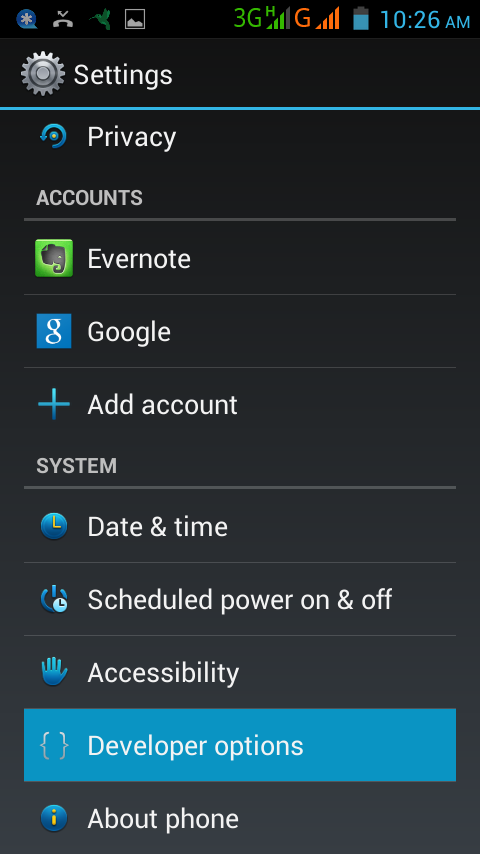
Android Debug Mode Not Working? Try This trick
Earlier today, I explained what Android usb debugging mode does and how to turn it on, on devices running Android OS 2.x and newer. While going through some threads on some Android forums, I noticed that some people are finding it difficult to enable the usb debug mode on their Android device.Access to the USB…
-
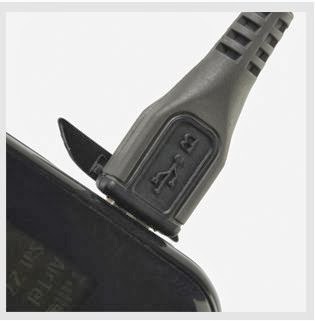
What does Debug Mode mean on Android
Being an open source platform, Android OS features “developer options” which includes android usb debugging mode. You might have heard people mention it in forums and you may even have seen it while looking through the settings of your Android-powered device. If tuned ON, the developer options help developers to build, test, debug, and package…
-
How To Screen Grab on Tecno M7, d5, F7, F8 and Others
Grabbing the screen of your Tecno phone is the easiest way you can save interesting moments on your phone to your Gallery. You can do this easily on your phone without the need to download screenshots or screen grabber app for Tecno. You can take screenshot without root with the press of two buttons. Cool..huh?…
-
Why Root Android Tecno Phone?
If you are active on forums where Android users meet, you will notice that they talk alot about “rooting” their Android phones and tablets; the same way iPhone an iPad users talk about jailbreaking their Apple devices. This might make you to wonder, whether to root or not to root your Tecno phone. Rooting your…
-
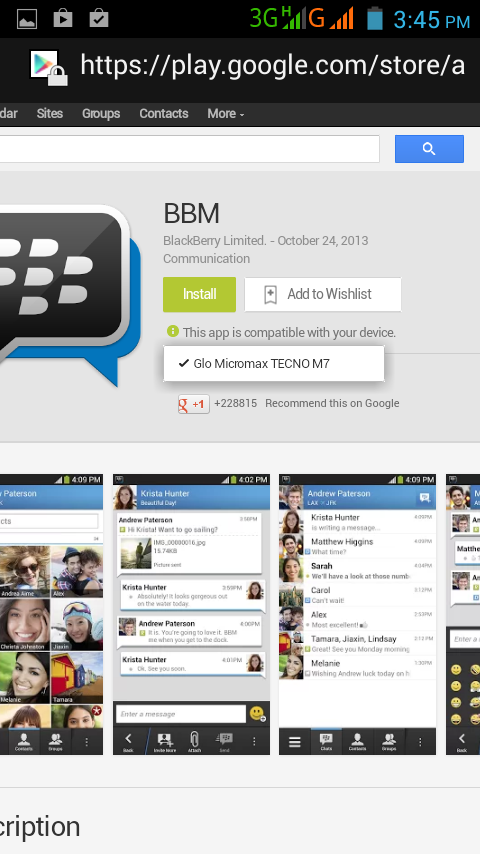
Now Pinging With BBM on Tecno M7
Few days back, BlackBerry finally rolled out the official BBM app for Android and iOS after numerous delays. The Blackberry Messenger (BBM) is now working fine on Android phones including Tecno phones that run on Android OS version 4.0 upward. I have installed BBM on my iPad3 and Tecno M7 and the app is running…
-
Can I Lock Down Individual Apps on iPhone and iPad without Jailbreaking?
Yesterday, I shared how to use iOS6 Guided access feature to lock iPhone or iPad to one app and control which app features are available. If you share your device and would like to lock individual apps or folders on your iPhone or iPad for others not to see, the Apple guided access can’t help.…
-
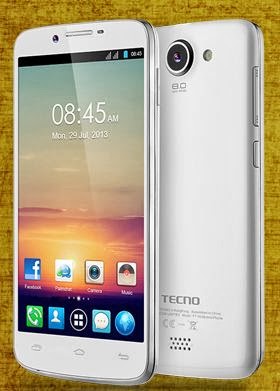
Differences Between Tecno F7, N7 and M7
Tecno F7 (Phantom A+) is one of the fastest selling Tecno Android phones in Nigeria. Although it lags behind the Tecno F8 (Phantom A2) in terms of display size, camera and battery capacity; the F7 is complete in all aspects and a superior to the Tecno M7. Unlike the Tecno M7 which features 1.2GHz dual…